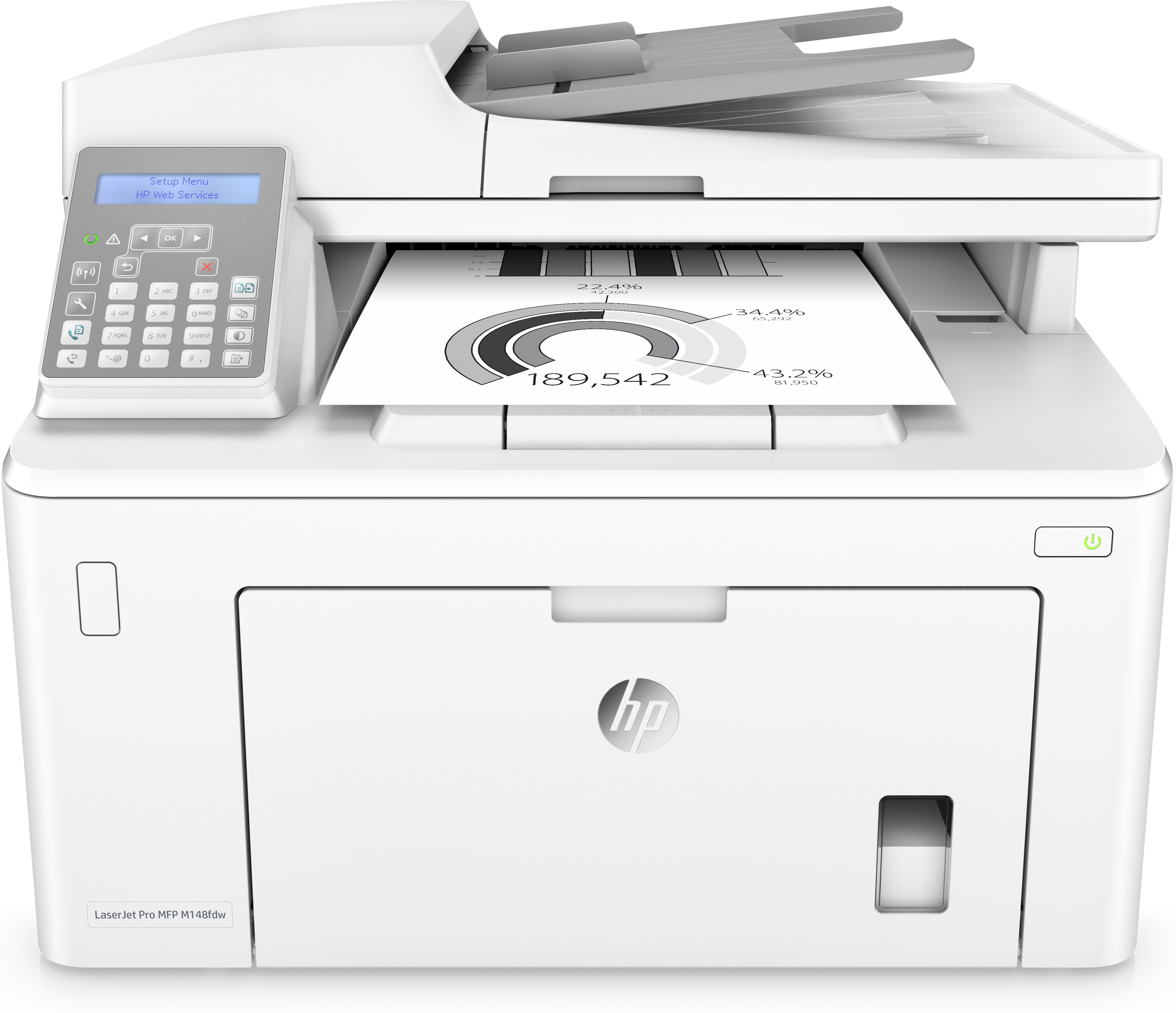
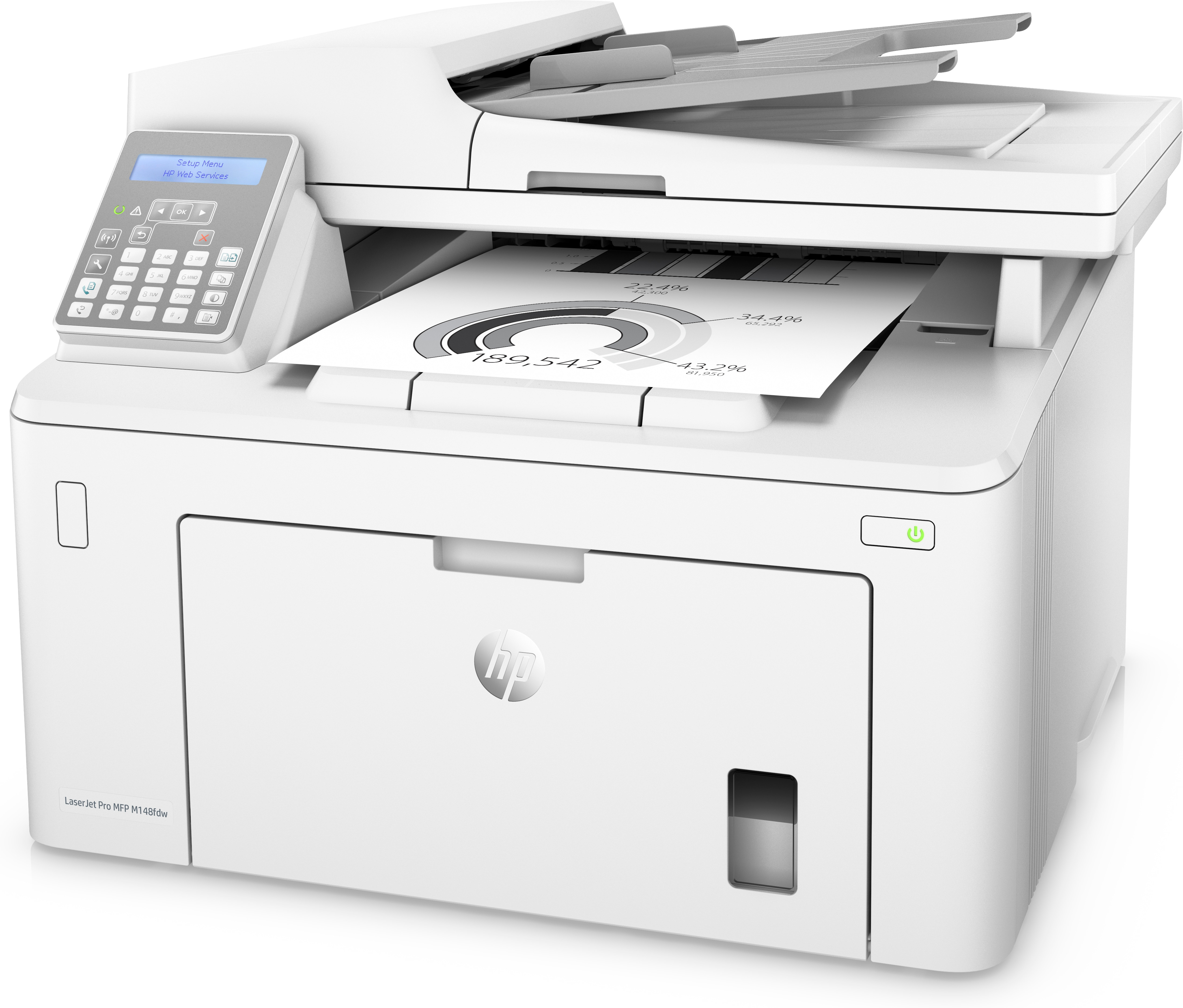
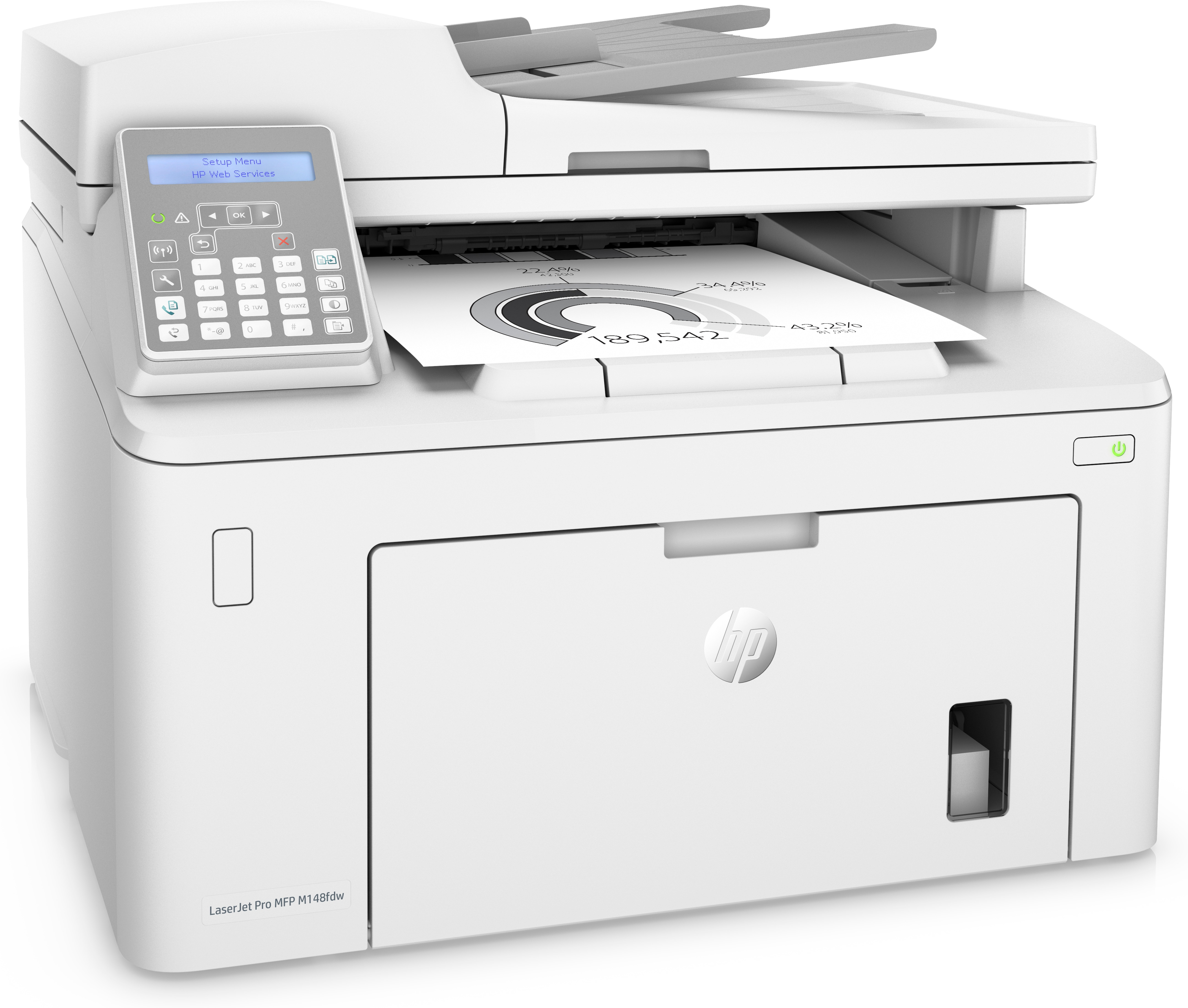
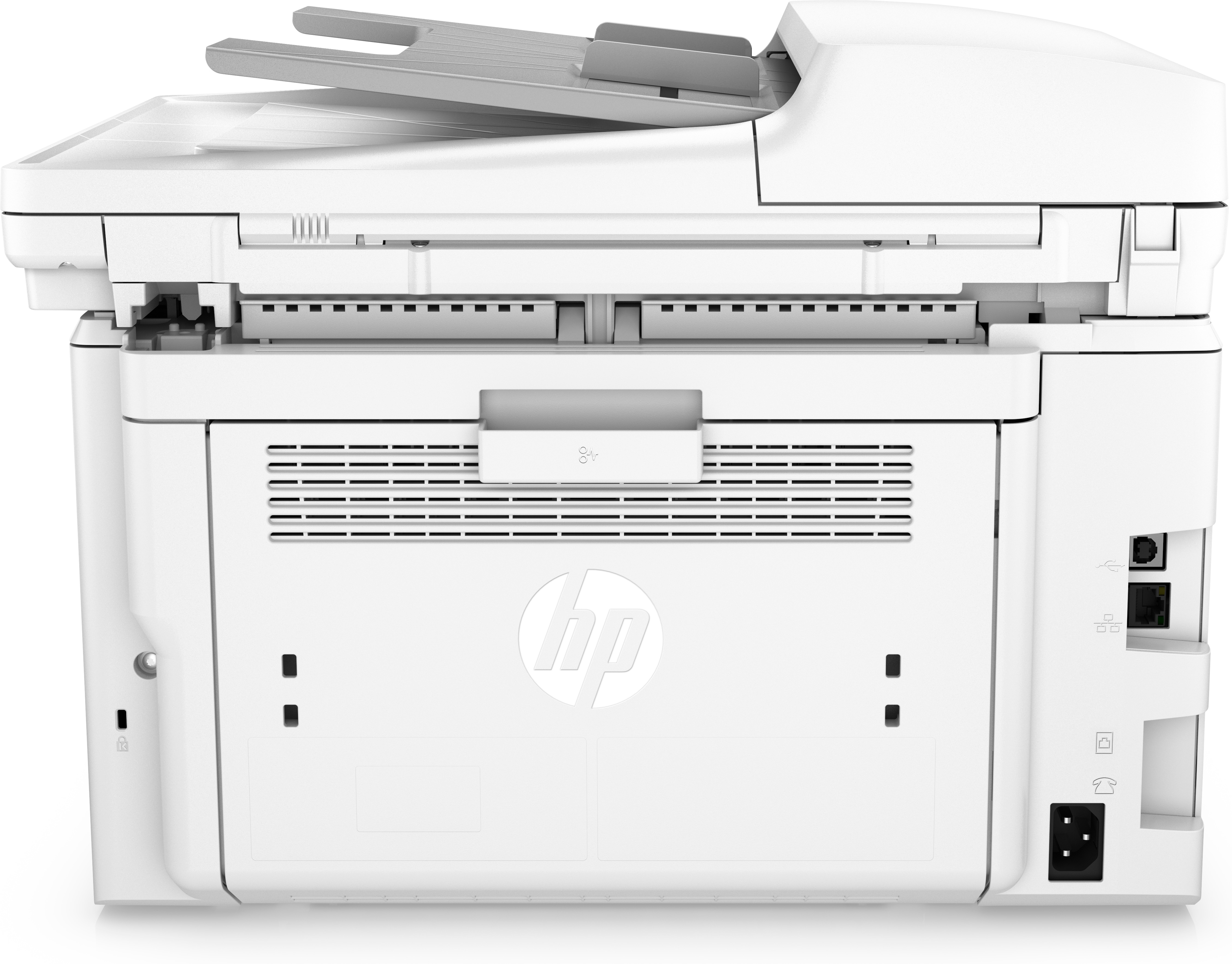
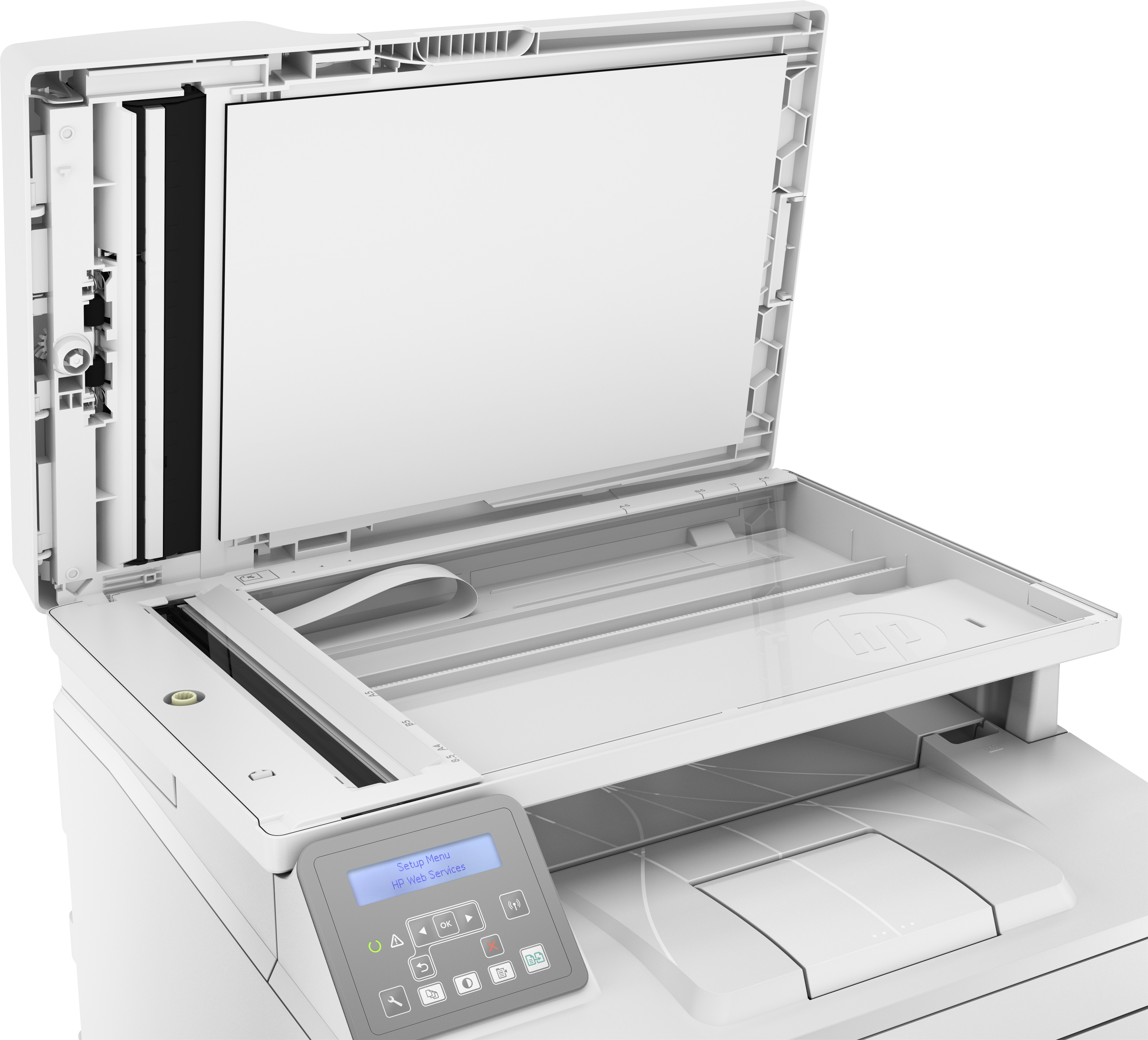
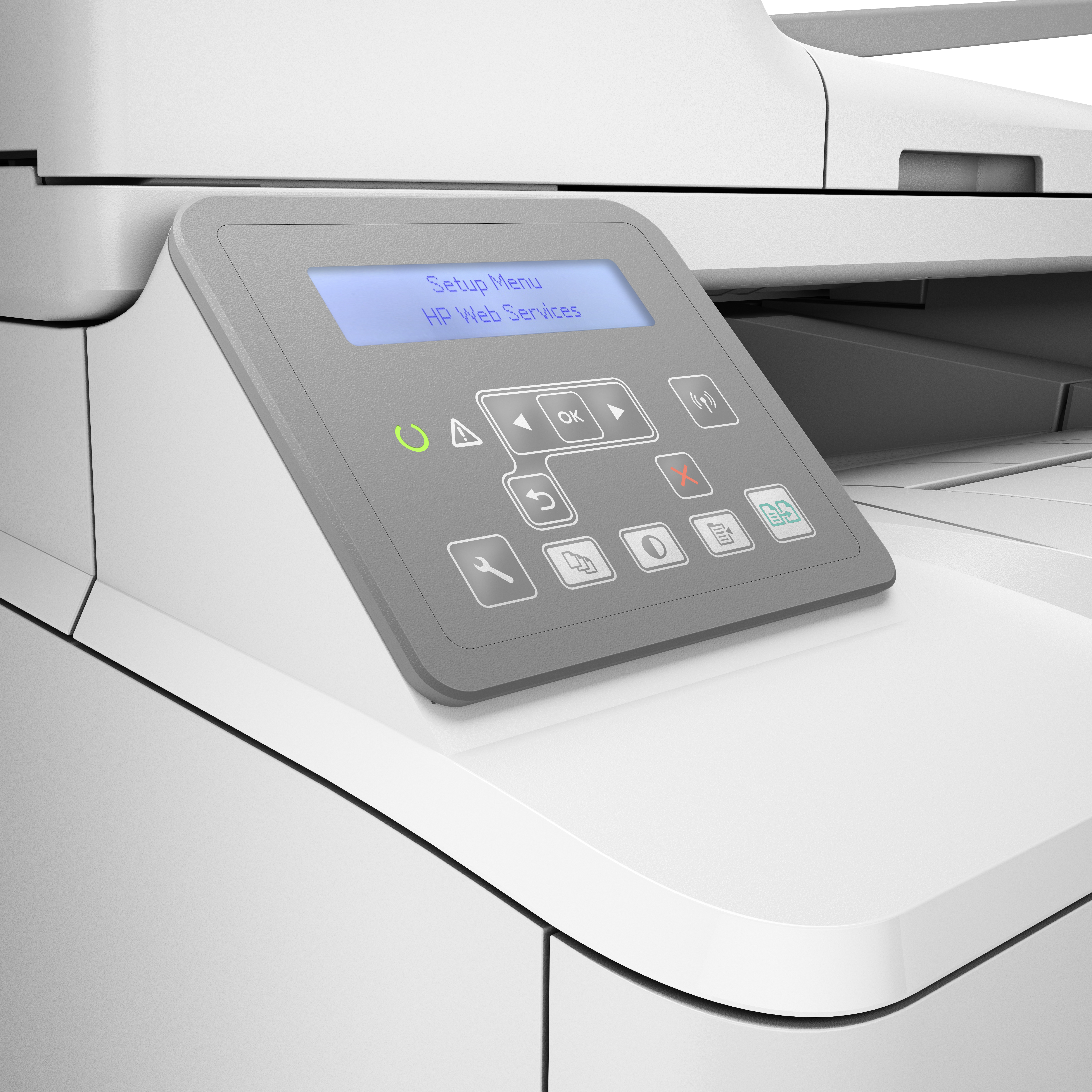
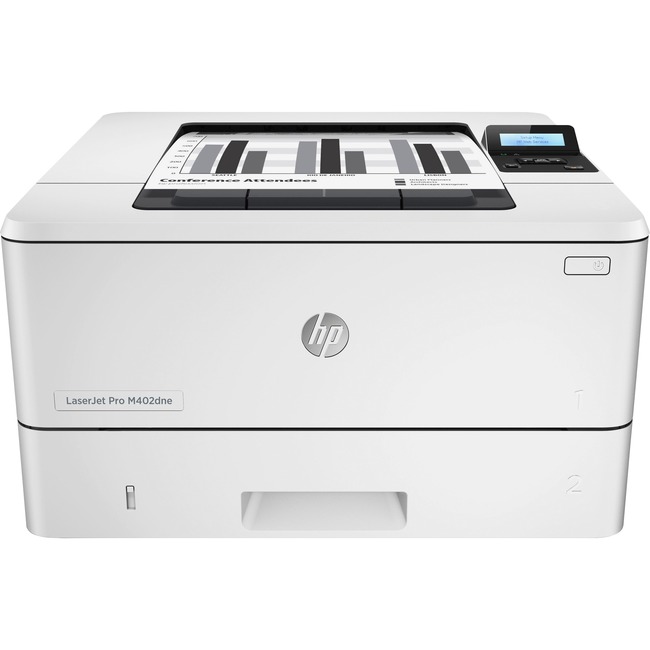
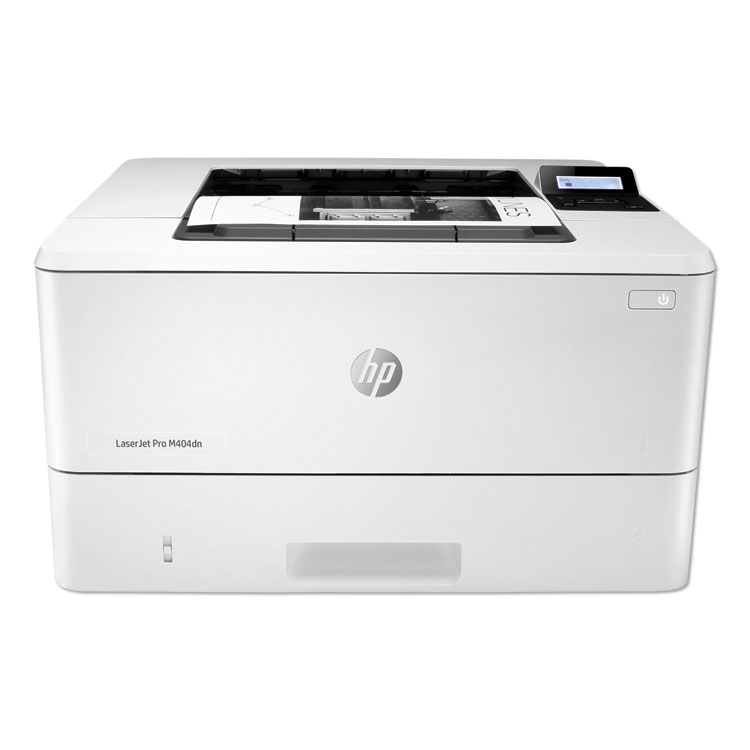
HP Remanufactured LaserJet Pro M148fdw Laser A4 1200 x 1200 DPI 28 ppm Wi-Fi

IMG
IMG
IMG
IMG
IMG
IMG
IMG
IMG
IMG
LaserJet Pro MFP M148fdw
$201.18Retail $339.16
  • Up to 1200 x 1200 dpi
Manufacturer:
Clover Imaging Group
Item:
4PA42A
UPC Code:
841861131379
Our Part #
HEW4PA42A
Condition
Remanufactured
$201.18EA
$339.16
Sorry Product Currently not Available.
Availability  Currently out of stock
Great Deals Everyday

You may be also interested

Product description

HP LaserJet Pro M148fdw.

  • Print technology: Laser
  • Printing: Mono printing
  • Maximum resolution: 1200 x 1200 DPI. Copying: Mono copying
  • Maximum copy resolution: 600 x 600 DPI. Scanning: Color scanning
  • Optical scanning resolution: 1200 x 1200 DPI. Faxing: Mono faxing. Maximum ISO A-series paper size: A4. Wi-Fi. Product color: White
  • HP LaserJet Pro M148fdw
  • Laser
  • Mono printing
  • 1200 x 1200 DPI
  • Mono copying
  • A4
  • White
Uncompromising quality, unmatched in-box value
Get up to 1,000 pages right out of the box, and start printing fast.Produce sharp text, bold blacks, and crisp graphics with precision black toner.Speed through multipage documents with automatic two-sided printing.Get professional-quality pages and the performance you expect with Original HP toner cartridges.
Help save time and energy
Speed through multipage documents with automatic two-sided printing.Wait less with an HP LaserJet Pro MFP that prints up to 28 pages per minute (A4).[4]Help save energy with HP Auto-On/Auto-Off Technology.[2]
Easy mobile printing with HP Smart app
Print and scan from your smartphone, and easily order toner, with the best in class mobile print app, HP Smart[1,5].Easily print from a variety of smartphones and tablets.[5]Easily share resources access and print with wireless networking.[6]Connect your smartphone or tablet directly to your printer and easily print without accessing a network.[7]
HP ePrint is a secure cloud-based service that lets you print from anywhere with an active Internet connection. Simply email the document or photo you want to print directly to the printer.
With HPs innovative Auto-Off technology, you can configure your device to automatically turn off either when it senses there is no activity after a set interval, or at a predetermined time each day. If your device also includes HP Auto-On technology, you can decide whether it will awaken at a set time each day (and you can exclude days, such as Saturday and Sunday) or if it will awaken when it senses activity. In addition, you can decide which types of interactions will awaken your device, such as a print request, control panel activity, or an incoming fax. The fewer activities you select, the more resources youll save.
[1] Compared to OEM mobile printing apps for the majority of top-selling inkjet and laser printers and all-in-ones for home and home office, priced less than or equal to 429.99. Market share as reported by IDC CYQ2 2018 Hardcopy Peripherals Tracker. Claim based on research of printer manufacturers mobile print apps and Keypoint Intelligence - Buyers Lab hands-on testing and study commissioned by HP. See September 2018 report at http://www.keypointintelligence.com/HPSmartApp.[2] HP Auto-On/Auto-Off Technology capabilities subject to printer and settings may require a firmware upgrade.[3] Based on typical ownership of five years printing 350 pages per month.Based on HP Internal testing, typical 32A Original LaserJet Imaging Drum is 23,000 page yield.[4] Declared yields based on ISO/IEC 19798 and continuous printing. Actual yields vary considerably based on images printed and other factors. Learn more at http://hp.com/go/learnaboutsupplies.[5] For details on local printing requirements see http://hp.com/go/mobile printing.[6] Wireless operations are compatible with 2.4 GHz and 5.0 GHz operations only. Learn more at http://hp.com/go/mobileprinting. Wi-Fi is a registered trademark of Wi-Fi Alliance®.[7] Mobile device needs to be connected to Wi-Fi Direct® signal of a Wi-Fi Direct-supported AiO or printer prior to printing. Details at http://hp.com/go/mobileprinting.Wi-Fi Direct® is a registered trademark of Wi-Fi Alliance®. [4] Declared yields based on ISO/IEC 19798 and continuous printing. Actual yields vary considerably based on images printed and other factors. Learn more at http://hp.com/go/learnaboutsupplies.[1] Compared to OEM mobile printing apps for the majority of top-selling inkjet and laser printers and all-in-ones for home and home office, priced less than or equal to 429.99. Market share as reported by IDC CYQ2 2018 Hardcopy Peripherals Tracker. Claim based on research of printer manufacturers mobile print apps and Keypoint Intelligence - Buyers Lab hands-on testing and study commissioned by HP. See September 2018 report at http://www.keypointintelligence.com/HPSmartApp.[5] For details on local printing requirements see http://hp.com/go/mobile printing.[6] Wireless operations are compatible with 2.4 GHz and 5.0 GHz operations only. Learn more at http://hp.com/go/mobileprinting. Wi-Fi is a registered trademark of Wi-Fi Alliance®.[2] HP Auto-On/Auto-Off Technology capabilities subject to printer and settings may require a firmware upgrade.[3] Based on typical ownership of five years printing 350 pages per month.Based on HP Internal testing, typical 32A Original LaserJet Imaging Drum is 23,000 page yield.Technical specification disclaimersMeasured using ISO/IEC 24734, excludes first set of test documents. For more information see http://www.hp.com/go/printerclaims. Exact speed varies depending on the system configuration, software application, driver, and document complexity.Measured using ISO/IEC 17629. For more information see http://www.hp.com/go/printerclaims. Exact speed varies depending on the system configuration, software application, driver, and document complexity.Duty cycle is defined as the maximum number of pages per month of imaged output. This value provides a comparison of product robustness in relation to other HP LaserJet or HP Color LaserJet devices, and enables appropriate deployment of printers and MFPs to satisfy the demands of connected individuals or groups.HP recommends that the number of printed pages per month be within the stated range for optimum device performance, based on factors including supplies replacement intervals and device life over an extended warranty period.First Copy Out and Copy Speed measured using ISO/IEC 29183, excludes first set of test documents. For more information see http://www.hp.com/go/printerclaims. Exact speed varies depending on the system configuration, software application, driver, and document complexity.Measured using ISO/IEC 17991, excludes first set of test documents. For more information see http://www.hp.com/go/printerclaims. Exact speed varies depending on the system configuration and document complexity.Based on standard ITU-T test image at standard resolution. More complicated pages or higher resolution will increase the transmission time.HP ePrint - Printer requires ePrint account registration. App or software may be required. Wireless operations are compatible with 2.4 GHz operations only. Learn more at http://www.hp.com/go/mobileprinting. Apple Airprint -Mobile device must have AirPrint® Wireless operations, compatible with 2.4 GHz operations only. Learn more at http://www.hp.com/go/mobileprinting. Google Cloud Print - Requires Google Cloud Print registration and Google account. Wireless operations are compatible with 2.4 GHz operations only. Learn more at http://www.hp.com/go/mobileprinting. Wi-Fi Direct® printing - Feature is supported on select printers. Mobile device needs to be connected directly to the signal of a Wi-Fi Direct® supported MFP or printer prior to printing. Depending on mobile device, an app or driver may also be required. For details, see http://www.hp.com/go/mobileprinting. Wi-Fi Direct is a registered trademark of Wi-Fi Alliance®.Not supporting Windows® XP (64-bit) and Windows Vista® (64-bit); Not all "Compatible Operating Systems" are supported with software; Full solution software available only for Windows 7 and newer; Legacy Windows Operation Systems (XP, Vista, and equivalent servers) get print drivers only; Windows Server OS install driver only by command line method; Windows RT OS for Tablets (32/64-bit) uses a simplified HP print driver built into the RT OS; Linux systems use in-OS HPLIP software.Dimensions vary as per configuration.Power requirements are based on the country/region where the printer is sold. Do not convert operating voltages. This will damage the printer and void the product warranty. Power consumption values typically based on measurement of 115V device.Power requirements are based on the country/region where the printer is sold. Do not convert operating voltages. This will damage the printer and void the product warranty. Energy Star value typically based on measurement of 115 V device.EPEAT® registered where applicable. EPEAT registration varies by country. See http://www.epeat.net for registration status by country.HP Introductory Black LaserJet Toner Cartridge (1,000 pages), HP 32A Original LaserJet Imaging Drum (23,000 pages). Actual yields vary considerably based on images printed and other factors. For details see http://www.hp.com/go/learnaboutsupplies.Measured using ISO 24734 Feature Test, A5 Landscape Feed. Speed may vary based on content, PC, media orientation, and media type.Declared yield value in accordance with ISO/IEC 19752. Actual yields vary considerably based on images printed and other factors. For details see http://www.hp.com/go/learnaboutsupplies.Based on the Blue Angel TEC method with the following possible exceptions: 1 minute or less sleep delay setting, Wi-Fi disabled.

Specifications

Product ratings & Reviews

0.0
Based on 0 reviews
5
4
3
2
1